
Hotel Channel Manager
& Distribution
Bring your distribution workflow closer to your hotel operation. Explore PowerOTA’s channel connectivity for inventory, rates and reservations across supported booking channels.
A connected distribution setup, with channel compatibility confirmed before you go live.
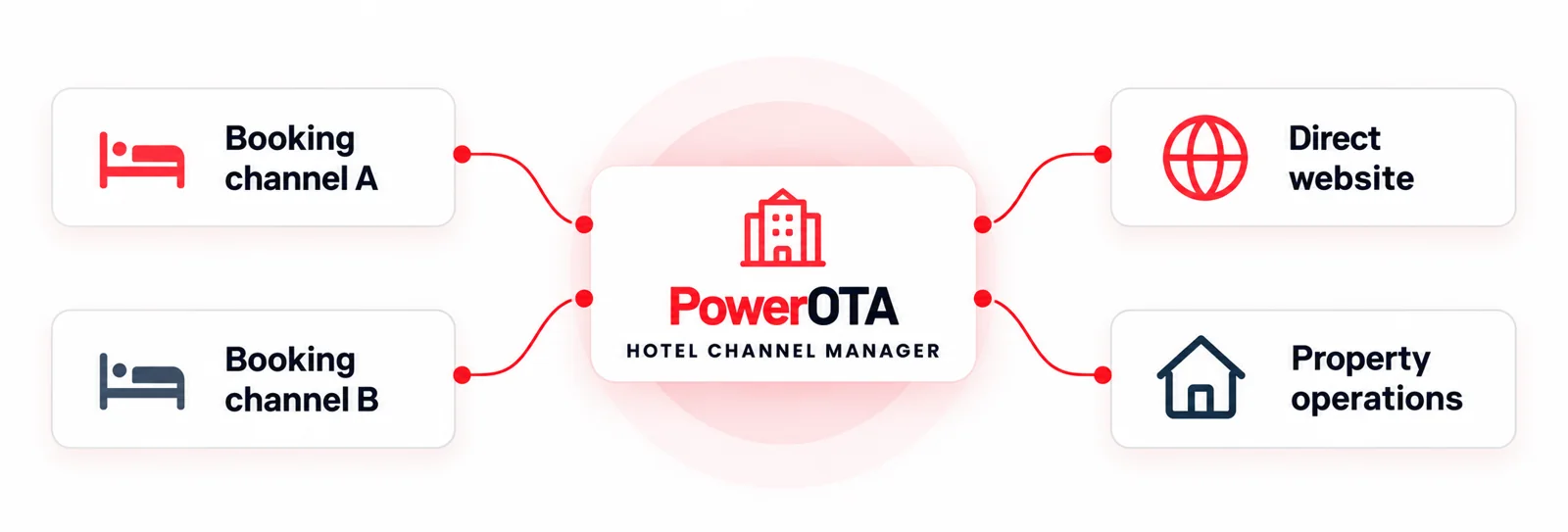
Keep your booking channels
working around one operation
PowerOTA’s distribution setup brings the key exchange of inventory, rates and reservations into your hotel software workflow. See how your supported channels can connect with the way your property sells rooms.
Review which room types and availability are shared.
Review which rate plans and pricing rules are included.
Review how new bookings are received and recorded.
Review how amendments and cancellations are handled.
Connect the channels
that matter to your hotel.
Start with your room types and booking sources. A PowerOTA walkthrough shows the mapping and update workflow for your required connections, with compatibility and responsibilities agreed up front.
List your channels
Review room mappings
Confirm update behaviour
A distribution setup
built around your operation
Bring your channel list, rate plans and room structure to a focused demo. See the relevant connection workflow and agree the scope your team will use.
1. Connections
2. Inventory mapping
3. Rate plans
4. Reservation handling
Your hotel workflow.
A clear connection plan.
PowerOTA keeps the sales conversation practical: the channels you need, the data exchanged and the responsibilities behind your setup.
Current supported-channel list
Confirm which channels are available.
Room and rate mapping
Review how your inventory and rate plans will be mapped.
Update timing and failure handling
Discuss how updates are processed and what happens if they fail.
Booking changes and cancellations
Review how amendments and cancellations are handled.
Setup and support responsibilities
Clarify what is included in setup and ongoing support.
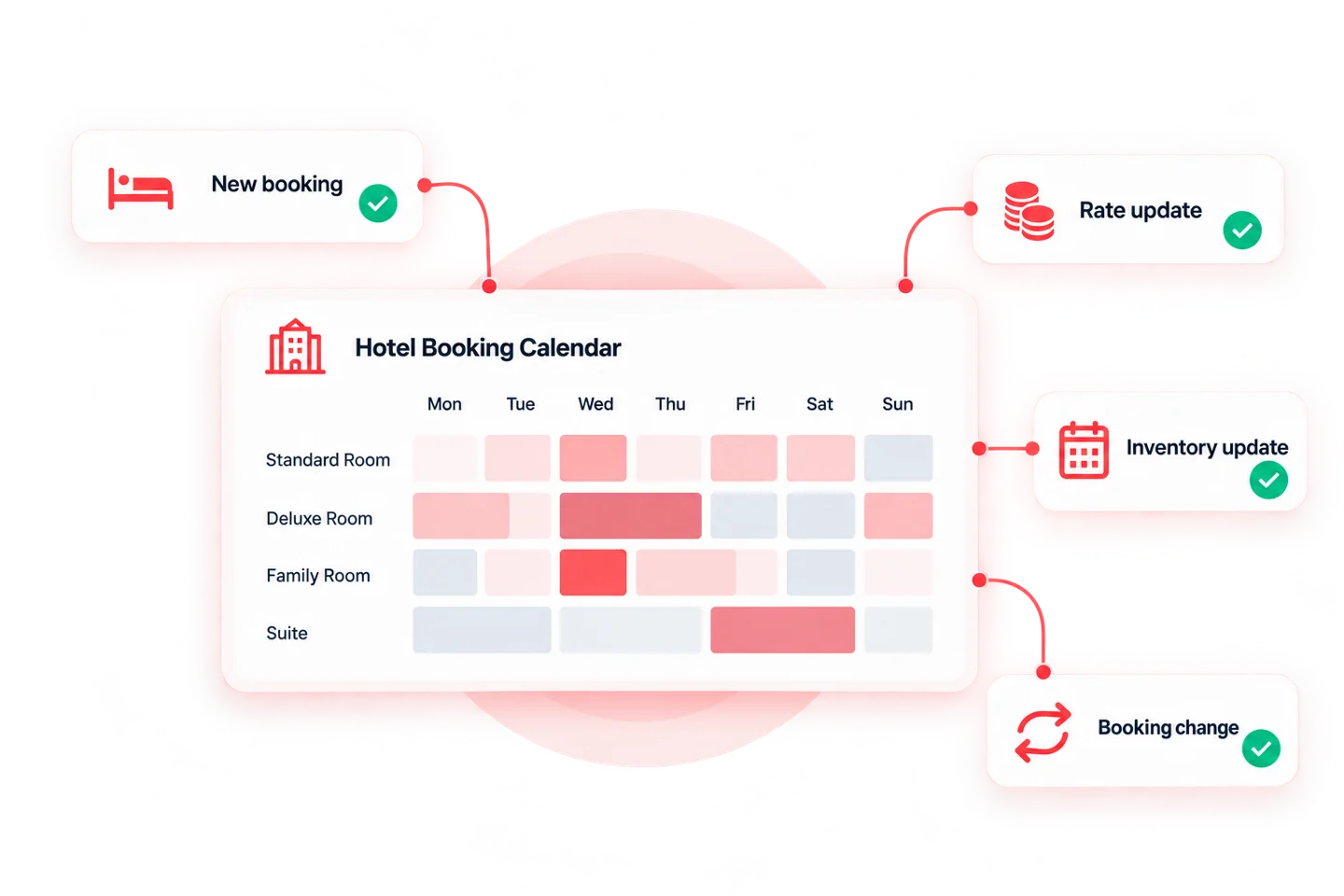
Your PowerOTA
distribution questions
How does PowerOTA support hotel distribution?
Which channels does PowerOTA connect to?
Does a channel manager prevent every overbooking?
Connect your hotel distribution with PowerOTA
Bring your channels, room inventory and reservation workflow into a setup built around your property.