
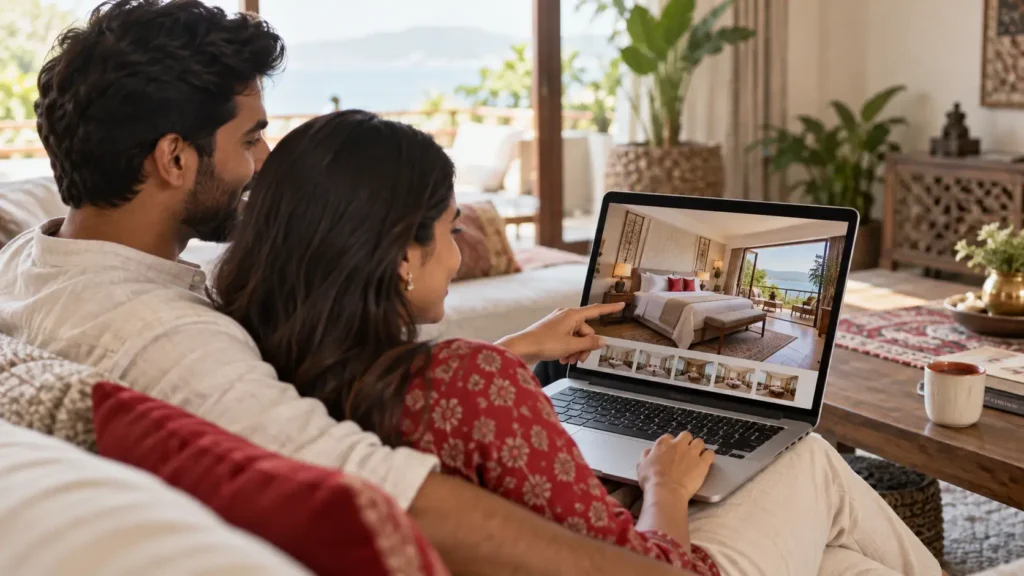
A guest finds your property, likes the rooms and opens your website. This is an important moment: they are interested enough to explore, but they still need to understand what is available and what their stay will cost. Every unclear detail creates another reason to pause.
Direct bookings begin with a website that helps people make a decision. Beautiful photographs attract attention, while useful information helps guests move forward.
Answer the questions guests actually have
Room pages should explain occupancy, bed arrangements, amenities and what the selected rate includes. Guests should also be able to find cancellation terms and check-in information without searching across several pages.
Avoid making different room categories sound identical. A family choosing between rooms needs practical differences, such as additional sleeping space or a separate seating area.
Keep the booking journey consistent
Once guests select their dates, the booking flow should show the relevant availability and rates. Extras such as breakfast or transfers should be clearly priced, with the total easy to understand before payment.
Mobile matters throughout this journey. Check whether date selection, room comparison and payment are comfortable on a smaller screen. A booking button should be easy to find without covering essential information.
Make the next step obvious
Use a clear call to action such as “Check Availability.” After a booking is completed, provide confirmation and useful arrival information. This gives guests a clear record of what they selected.
PowerOTA’s Booking Engine supports room and rate-plan selection, add-ons and booking confirmation. Connecting the booking journey with the PMS helps the property team work from the reservation information guests have supplied.